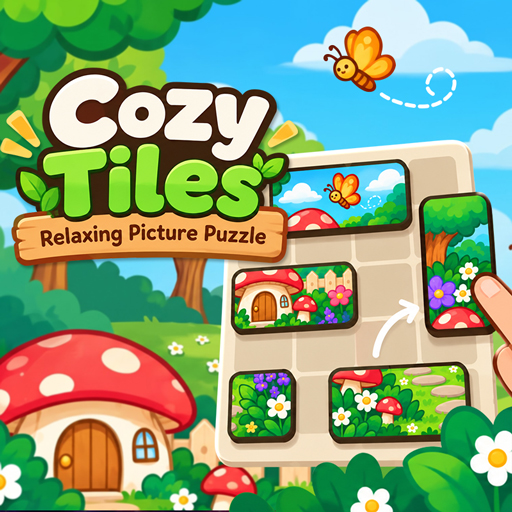
Cozy Tiles – Relaxing Picture Puzzle
Game Details
Overview, specs & player metrics
About Cozy Tiles – Relaxing Picture Puzzle
complete 100 charming pictures across 10 chapters. Play in your browser, no
download.
How to Play & Controls
Tags
Frequently Asked Questions
Common questions and answers about playing Cozy Tiles – Relaxing Picture Puzzle
Cozy Tiles – Relaxing Picture Puzzle is a free online Puzzle game playable directly in your web browser on PictoFleet. Relax with Cozy Tiles, a free picture puzzle. Drag tiles into place to complete 100 charming pictures across 10 chapters. Play in your browser, no download.
Yes! Cozy Tiles – Relaxing Picture Puzzle is 100% free to play. There are no downloads, subscriptions, hidden fees, or installations required. Simply open Cozy Tiles – Relaxing Picture Puzzle on PictoFleet and start playing instantly.
Yes! Cozy Tiles – Relaxing Picture Puzzle is built with modern HTML5 technology and runs smoothly across desktop computers, laptops, Chromebooks, iPhones, iPads, and Android mobile devices.
1. Drag a tile to move it. It snaps to the grid where you let go. 2. Place tiles next to each other the way they fit in the picture — correct neighbours join into one piece that moves together. 3. Join every tile into the complete picture to finish the level. Touch Drag a tile, release to drop it. Mouse Click and drag a tile, release to drop it.
Yes, Cozy Tiles – Relaxing Picture Puzzle is hosted securely with SSL encryption on PictoFleet. All games are tested for safety and run inside an isolated browser sandbox.
Related Games
Popular games you might like